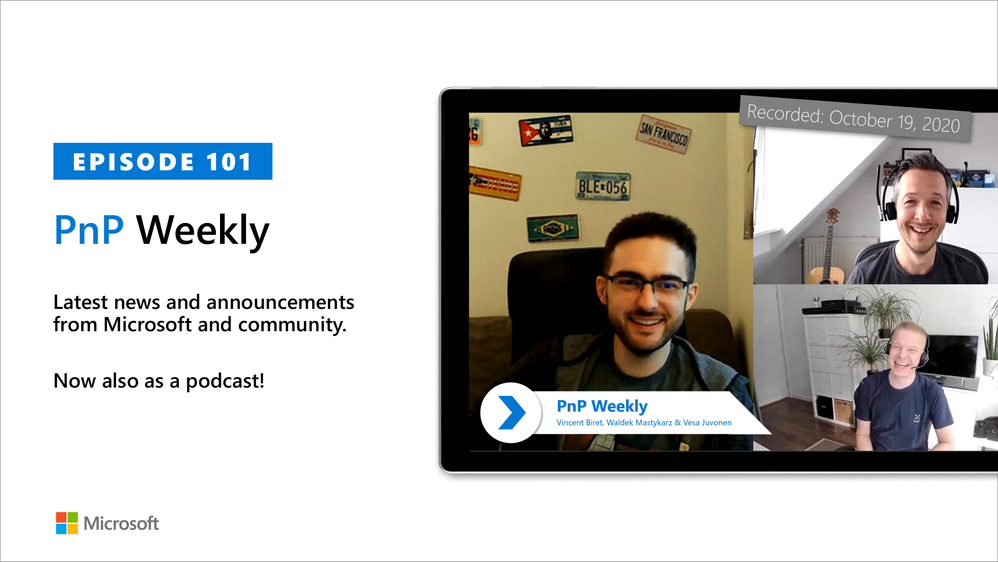
In this 1st installment after the 100th installment of the weekly discussion revolving around the latest news and topics on Microsoft 365, hosts – Vesa Juvonen (Microsoft) | @vesajuvonen, Waldek Mastykarz (Microsoft) | @waldekm, are joined by Vincent Biret (Microsoft) |@baywet, MVP alum, blogger, and presently a software engineer on the Microsoft Graph SDK team.
A number of topics were covered during today’s discussion – Program Management and Development at Microsoft, the advantage of being an SDK developer is working with Community and the elusive “inbox zero” including the novel approach identified by the cohort during this session to address.
This episode was recorded on Monday, October 19, 2020.
Did we miss your article? Please use #PnPWeekly hashtag in the Twitter for letting us know the content which you have created.
As always, if you need help on an issue, want to share a discovery, or just want to say: “Job well done”, please reach out to Vesa, to Waldek or to your PnP Community.
Sharing is caring!

In this weekly discussion of the latest news and topics around Microsoft 365, hosts – Vesa Juvonen (Microsoft) | @vesajuvonen, Waldek Mastykarz (Microsoft) | @waldekm, are joined by Sébastien Levert | @sebastienlevert – Office Apps and Services MVP and head of product at Valo Intranet.
In this milestone Episode 100, Sébastien (Séb) interviews Vesa and Waldek asking questions submitted by community members covering the full gambit of why, what, how.
This episode was recorded on Monday, October 12, 2020.
Did we miss your article? Please use #PnPWeekly hashtag in the Twitter for letting us know the content which you have created.
As always, if you need help on an issue, want to share a discovery, or just want to say: “Job well done”, please reach out to Vesa, to Waldek or to your PnP Community.
Sharing is caring!

In this weekly discussion of latest news and topics around Microsoft 365, hosts – Vesa Juvonen (Microsoft) | @vesajuvonen, Waldek Mastykarz (Microsoft) | @waldekm, are joined by Christina Wheeler | @cwheeler76, a long time Office Apps and Services MVP and principal solutions architect for US-based Canviz.
The discussion ranged from avoiding work burn-out and server management (go cloud!) to architecting solutions that draw upon capabilities across Microsoft 365 to Drone FAA 107 certification and of course many laughs between topics.
This episode was recorded on Friday, October 2, 2020.
Did we miss your article? Please use #PnPWeekly hashtag in the Twitter for letting us know the content which you have created.
As always, if you need help on an issue, want to share a discovery, or just want to say: “Job well done”, please reach out to Vesa, to Waldek or to your PnP Community.
Sharing is caring!

Delta is, by default, a user-scoped API to drive sync-like behavior. It scopes its results down to the set of changes which are definitely impactful to the caller. It filters out changes which it knows are irrelevant to the caller. When the API cannot definitely determine relevance cheaply, e.g. when it needs to make a full permission enumeration to verify, it will include the result, even though it might not be relevant to the caller.
Delta attempts to scope permission-based changes to those relevant to the caller. If the caller’s access wasn’t altered by the permission change, the item may not be included in the delta results.
Clients which are trying to enumerate all permission changes should make sure the follow the recommendations in aka.ms/scanguidance. Namely, there are specific authentication requirements and specific Prefer headers that need to be provided, and failure to do so will result in permission changes being scoped down.
The only way to receive the complete set of changes is to use app-only authentication with the Sites.FullControl.All scope and pass header “Prefer”=”deltashowsharingchanges,hierarchicalsharing”.
Steps:
1] Create an App in AAD with Sites.FullControl.All Application permission, see screen shot below:
2] Sample powershell script to generate the Access token and the delta token link:
<#
Code Example Disclaimer:
Sample Code is provided for the purpose of illustration only and is not intended to be used in a production environment.
THIS SAMPLE CODE AND ANY RELATED INFORMATION ARE PROVIDED “AS IS” WITHOUT WARRANTY OF ANY KIND, EITHER EXPRESSED OR IMPLIED,
INCLUDING BUT NOT LIMITED TO THE IMPLIED WARRANTIES OF MERCHANTABILITY AND/OR FITNESS FOR A PARTICULAR PURPOSE.
We grant You a nonexclusive, royalty-free right to use and modify the Sample Code and to reproduce and distribute the object
code form of the Sample Code, provided that. You agree: (i) to not use Our name, logo, or trademarks to market Your software
product in which the Sample Code is embedded; (ii) to include a valid copyright notice on Your software product in which the
Sample Code is embedded; and (iii) to indemnify, hold harmless, and defend Us and Our suppliers from and against any claims or
lawsuits, including attorneys fees, that arise or result from the use or distribution of the Sample Code.
#>
cls
$host.Runspace.ThreadOptions = “ReuseThread”
Write-Host “STARTED at” (Get-Date).ToString() -f Green
$ClientID = “fa9737d5-5a3e-4fab-0000-000000000000”
$ClientSecret = “1JOe:M8HBBUz-0000000000000000000”
$scope= “https://graph.microsoft.com/.default”
$POSTURI = “https://login.microsoftonline.com/d6f932a7-5f74-0000-0000-000000000000/oauth2/v2.0/token”
$body = @{grant_type=”client_credentials”;client_id=$ClientID;client_secret=$ClientSecret;scope=$scope}
$oauth = Invoke-RestMethod -Method Post -Uri $POSTURI -Body $body
$graphAccessToken = $oauth.access_token
Write-Host “Access token: $($graphAccessToken)”
$requestHeader = @{
“Authorization” = “Bearer $graphAccessToken”
“Content-Type” = “application/json”
“Prefer” = “deltashowsharingchanges,hierarchicalsharing,deltatraversepermissiongaps,deltashowremovedasdeleted”
}
$Uri = “https://graph.microsoft.com/v1.0/sites/spotenant.sharepoint.com,df6ba610-b132-0000-0000-000000000000,e0dbcdc6-0637-4246-0000-000000000000/drive/root/delta?latest”
$Result = (Invoke-RestMethod -Method Get -Headers $requestheader -Uri $Uri)
$deltaUri = $Result.’@odata.deltaLink’
Write-Host $deltaUri
Write-Host “DONE at” (Get-Date).ToString() -f Green
3] Copy the Access token and the deltaUri value output from the above script and use them in the following sample powershell script to retrieve the complete set of permission changes:
<#
Code Example Disclaimer:
Sample Code is provided for the purpose of illustration only and is not intended to be used in a production environment.
THIS SAMPLE CODE AND ANY RELATED INFORMATION ARE PROVIDED “AS IS” WITHOUT WARRANTY OF ANY KIND, EITHER EXPRESSED OR IMPLIED,
INCLUDING BUT NOT LIMITED TO THE IMPLIED WARRANTIES OF MERCHANTABILITY AND/OR FITNESS FOR A PARTICULAR PURPOSE.
We grant You a nonexclusive, royalty-free right to use and modify the Sample Code and to reproduce and distribute the object
code form of the Sample Code, provided that. You agree: (i) to not use Our name, logo, or trademarks to market Your software
product in which the Sample Code is embedded; (ii) to include a valid copyright notice on Your software product in which the
Sample Code is embedded; and (iii) to indemnify, hold harmless, and defend Us and Our suppliers from and against any claims or
lawsuits, including attorneys fees, that arise or result from the use or distribution of the Sample Code.
#>
cls
$host.Runspace.ThreadOptions = “ReuseThread”
Write-Host “STARTED at” (Get-Date).ToString() -f Green
$graphAccessToken = “copied from output of above sample powershell script”
$requestHeader = @{
“Authorization” = “Bearer $graphAccessToken”
“Content-Type” = “application/json”
“Prefer” = “deltashowsharingchanges,hierarchicalsharing”
}
Write-Host
$deltaUri = “copied from output of above sample powershell script” #should look like sample below:
https://graph.microsoft.com/v1.0/sites/spotenant.sharepoint.com,df6ba610-b132-4fc7-0000-000000000000,e0dbcdc6-0637-4246-0000-000000000000/drive/root/delta?token=MzslMjM0OyUyMzE7Mzs3NDlhZjc4NC0zOWU0LTRlOTEtYmJkNy0wNzI5MjAxNTNlMGY7NjM3MzM2NDU1MzMyNDcwMDAwOzMxOTY4OTE4MjslMjM7JTIzOyUyMzA”
$deltaResult = (Invoke-RestMethod -Method Get -Headers $requestheader -Uri $deltaUri)
Write-Host $deltaResult.value
Write-Host
Write-Host “DONE at” (Get-Date).ToString() -f Green

In this weekly discussion of latest news and topics around Microsoft 365, hosts – Vesa Juvonen (Microsoft), Waldek Mastykarz (Rencore), are joined by Tomasz Poszytek, an independent consultant and MVP from Poland.
They talk about Thomasz’s background and how we crew to be an independent consultant running his own business. Key tips from him for anyone who might be looking into doing the same. Discussions on the business automation and the different tools which we have had around these processes in past. Touching the challenge of the licensing models from Microsoft and how that has been simplified from the past… but could be further simplified in future.
Thomasz also talks about this experiences on being a project manager and how he decided to rather be a consultant. In this episode, 21 recently released articles from Microsoft and the PnP Community are highlighted.
This episode was recorded on Monday, September 7, 2020.
Did we miss your article? Please use #PnPWeekly hashtag in the Twitter for letting us know the content which you have created.
As always, if you need help on an issue, want to share a discovery, or just want to say: “Job well done”, please reach out to Vesa, to Waldek or to your PnP Community.
Sharing is caring!







