![Advanced Audit Webinar]()
The unified auditing functionality in Microsoft 365 provides organizations with visibility into many types of audited activities across many different services in Microsoft 365. Now with the release of Advanced Audit in Microsoft 365, we’re adding new auditing capabilities that can help your organization with forensic and compliance investigations

References:
This webinar was presented on Tue Apr 7th 2020, and the recording can be found here.
Attached to this post are:
- The FAQ document that summarizes the questions and answers that came up over the course of both Webinars; and
- A PDF copy of the presentation.
Thanks to those of you who participated during the two sessions and if you haven’t already, don’t forget to check out our resources available on the Tech Community.
Thanks!
@Adam Bell on behalf of the MIP and Compliance CXE team
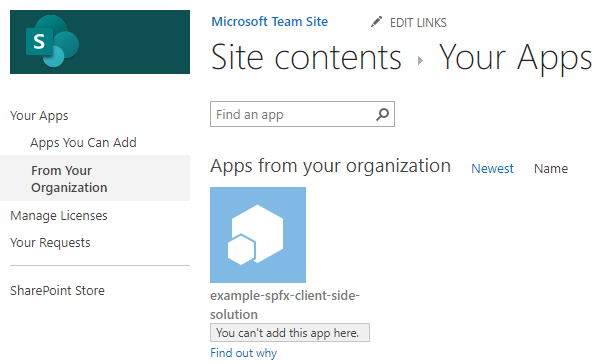
Problem
You may find that after installing a SharePoint App into your App Catalog, you are unable to install the app in your Site collection and the status will display “You can’t add this app here”.
Cause
This is a misleading status message that may indicate the app is already installed. After clicking on the App for the first time, the installation process starts without prompting the user. If you then reopen the App Catalog, you will find that the app status states, “You can’t add this app here”.
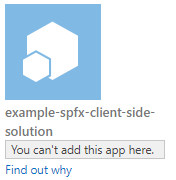
However, if you click on “Find out why”, it should state “Good news – you already have this on your site.”
Resolution
Check the “Site Contents” to verify if the app is already installed.

If you find the App is already installed, then you were misled by the status message and no further action is needed.
However, if you are seeing this status message and the app is not installed, check the deploy status of the App in the catalog to ensure its deployed correctly and is compatible with your SharePoint version.

![Advanced Audit Webinar]()
This post is authored by Mor Rubin, Security Researcher, Azure ATP.
The SMB vulnerability CVE-2020-0796, also known as “SMBGhost” or “CoronaBlue”, was published a few days ago. This CVE is about a potential remote code execution due to a buffer overflow vulnerability in the way SMBv3 (3.1.1) handles SMBv2 compression requests. The vulnerability affects Windows 10 and Windows Server 2019 versions 1903 and 1909.
A few proofs of concept that trigger this vulnerability have been published already – one of them is on GitHub. So far, the tools published online are expected to cause a “blue screen” if the target Windows server is vulnerable to this issue. As most of the critical servers in an organization are Windows servers, attackers will exploit this vulnerability to try to gain control of the remote servers without authenticating.
The vulnerability has the potential to become widely spread, similar to the way EternalBlue exploited the SMB protocol in 2017. It’s important to protect critical Windows servers by installing a patch, KB4551762, or following other suggested mitigations and workarounds.
In addition, to help our customers stay secure, we are releasing a new Azure ATP detection that looks for use of this vulnerability on unpatched Domain Controllers. The detection identifies crafted packets attempting to exploit SMBv3.

Get Started Today
Azure ATP leverages your Active Directory signals, the cloud intelligence underpinning all Microsoft’s security services, and identity-focused detections updated at cloud scale to prevent, detect, and investigate identity-based threats, compromised and malicious users, and lateral movement of on-premises attacks.
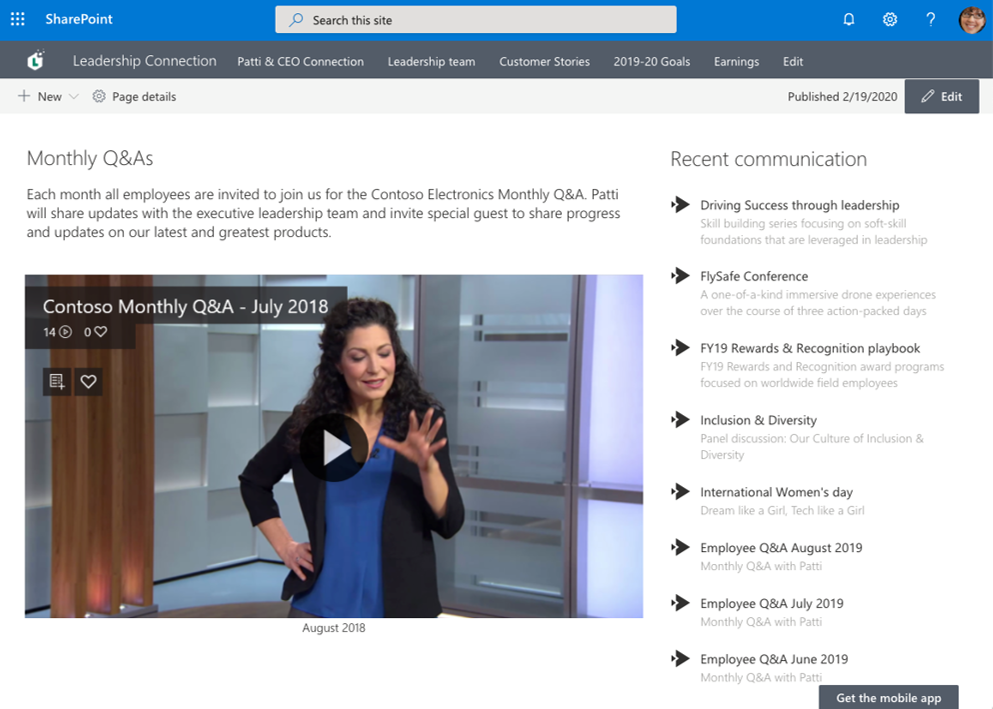
Share educational videos with your class or highlights from meeting recordings with your coworkers remotely by adding the Microsoft Stream web part to your SharePoint site. Also, learn how to share this content externally in SharePoint Files and Folders.
Read the original blog post here.
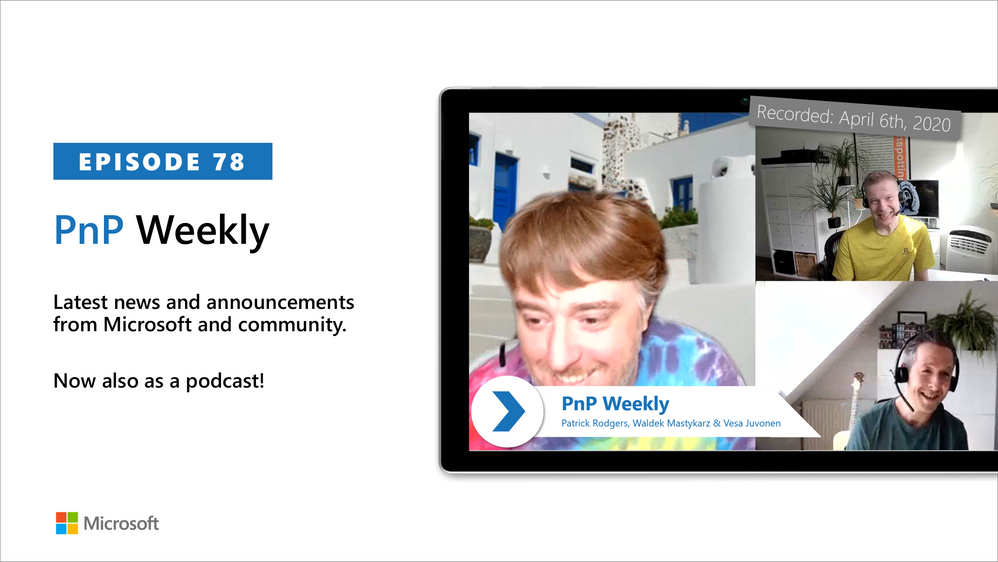
In this weekly discussion of latest news and topics around Microsoft 365, hosts – Vesa Juvonen (Microsoft), Waldek Mastykarz (Rencore), are joined by Patrick Rodgers (Microsoft) – Senior Program Manager for Microsoft FastTrack, and esteemed starter/maintainer of the PnPjs open-source project.
Today’s topics: FastTrack program, evolution of SharePoint and PnPjs, and breaking change – growth through destruction, resets, and incremental performance improvements. Microsoft’s FastTrack program helps customers to deploy Microsoft cloud solutions and at present is very actively helping universities and other healthcare organizations on the COVID front-lines to leverage the cloud to advance their time-sensitive work. If you or your customer is on the front line and need to make things happen now, go to the FastTrack Portal and create an RFA.
This episode was recorded on Monday, April 6th, 2020
Got feedback, ideas, other input – please do let us know!







