
CI/CD with Selenium C# and GitHub Actions to run Test and App in pipeline⚡️☁️
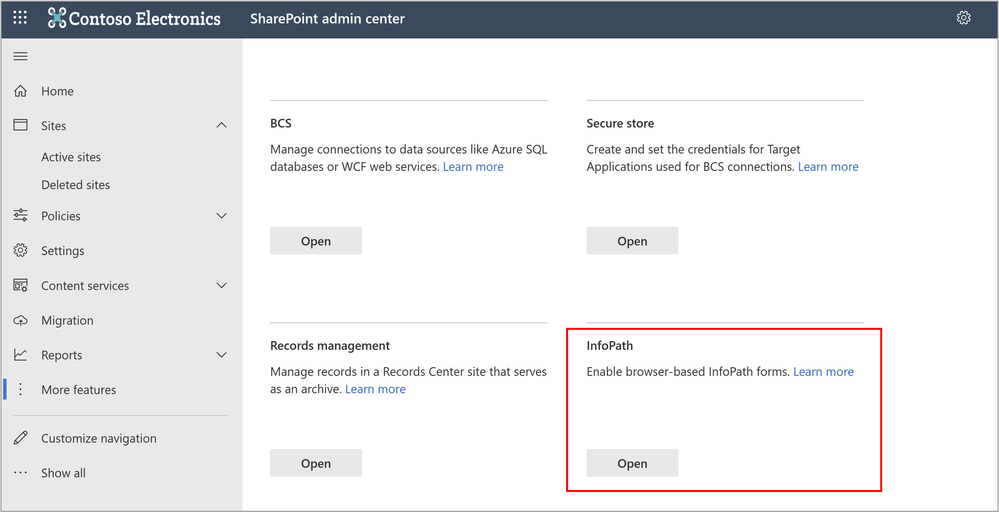
Support update for InfoPath Forms Services in Microsoft 365
To satisfy the needs of a rapidly changing digital environment, Microsoft continues to develop modern, intelligent, and integrated forms experiences for our customers. In 2014, we shared that InfoPath 2013 would be the last release version, and we shifted to more modern solutions for form building and distribution, including Power Apps, Power Automate, and Forms. In alignment with this move, in 2026 we’ll also be retiring the InfoPath Forms Services in SharePoint Online. Over the next three years, we’ll assist customers making the shift to more modern solutions to ensure their businesses have even greater success.
InfoPath Forms Services in SharePoint Online will be retired in 2026
InfoPath Forms Services will be removed from SharePoint Online for all tenants after July 14, 2026, to align with the extended support end date of InfoPath Client 2013 (link). This applies to all environments including Government Clouds and Department of Defense. If you’re using InfoPath Forms Services in SharePoint Online, we recommend migrating to Power Apps, Power Automate, Forms, or other supported solutions. We frequently hear from customers saying that businesses have experienced even greater success with these newer technologies.
There will not be an option to extend InfoPath Forms Services in SharePoint Online beyond July 14, 2026.
Overview
InfoPath Forms Service in SharePoint
InfoPath Forms Services in SharePoint lets organizations deploy their forms to SharePoint sites, enabling end users to fill out these forms in a web browser. Most customers are using InfoPath for various purposes such as collecting information, connecting data from diverse sources, and automating workflow together with other solutions such as SharePoint Designer or SharePoint Workflow.
- For Microsoft 365 SharePoint, InfoPath Forms Services will be removed after July 14, 2026.
- For SharePoint Server 2016, SharePoint Server 2019 and SharePoint Server Subscription Edition, the extended support date for InfoPath Forms Service will end after July 14, 2026.
For scenarios where InfoPath or InfoPath Forms services are currently being used, we recommend migrating to other modern solutions such as Power Apps, Power Automate and Forms.
- Power Apps provides capability of rapidly building and sharing low-code apps.
- Power Automate helps increase efficiency by streamlining repetitive tasks and business processes.
- Forms helps collect data effortlessly to make better decisions.
Impact on Microsoft 365 customers
The existing InfoPath scenario in Microsoft 365 involves three types of customers: admin, InfoPath designer/publisher, InfoPath respondent.
- Admin: manages InfoPath settings in SharePoint admin center on how end users can use InfoPath (such as enable or disable publishing or rendering of browser-enabled form templates).
- End user – Designer/Publisher: manages (including creating, modifying and publishing) templates into Sites/Lists.
- End user – Respondent: fills in/responds to the forms.
After InfoPath Forms Services are removed from Microsoft 365 SharePoint, the experience change would be as follows for different types of users.
- Admin:
– The entries of configuration capabilities will be removed from SharePoint admin center.
– The custom form with InfoPath option will be removed from Forms Settings from SharePoint Online.

- End user – Designer/Publisher: will be disallowed.
- End user – Respondents:
– If the InfoPath solution is already migrated to other solutions by the designer/admin, then end users can continue respond to the forms with most likely a new UI experience replaced by the new solution.
– If the InfoPath solution is not migrated, then end users will be disallowed to submit a new response using InfoPath service. They can download the InfoPath templates(.xsn) or collected InfoPath Forms(.xml) from SharePoint and open them using InfoPath Client 2013 to view the data if they have the file permission.
Call to action
Administrators
1. Assess the impact on your organization
To understand how InfoPath is used in your organization, you can check the Microsoft 365 Assessment tool to scan the tenant for InfoPath usage. Using the Power BI InfoPath Report generated by the scanner tool, you can:
- Identify all InfoPath Forms usage in the tenant, per site collection and site.
- Evaluate the recency and volume of usage of InfoPath Forms.
- Understand lists, libraries and content types that use InfoPath.
2. Prepare early on a migrating plan
Below we list a few common scenarios and possible approaches to take to transit your existing InfoPath solutions to other modern solutions as some examples, and we recommend exploring Microsoft modern solutions such as Power Apps, Power Automate and Forms and pick the one or combinations that is best suitable for your scenarios.
- Scenario 1: Simple information collection
If you’re using InfoPath to collect information such as survey, project request or address books, you may consider Power Apps Integration or Forms Integration.
- Scenario 2: Connect data from diverse sources
If your InfoPath solutions contain data connection with multiple sources, Power Apps could be the alternative option. You can follow the instructions in Transform your InfoPath form to Power Apps for further guidance.
- Scenario 3: Workflow automation
If your InfoPath is integrated with workflow automation, you can choose either Power Apps or Power Automate. More details also be found in Transform your InfoPath form to Power Apps and Migrate from classic workflows to Power Automate flows in SharePoint.
- Scenario 4: Full control needed
If your InfoPath solution uses features that cannot be fulfilled with previously described options or whenever a custom code based solution is preferred, then you can choose for building a SharePoint Framework Form Customizer extension.
End users
If you’re an InfoPath solution designer/publisher, we recommend starting migration using the alternative solutions mentioned above as early as possible. If you’re the InfoPath respondents, you can continue using the existing InfoPath Forms, but we strongly recommend working with your administrators or SharePoint Site owners for the next step of plan.
Summary
We recognize that these changes may require additional work for some of our customers, and we’re ready to provide support during this transition. We are encouraged by our customer successes, and our ongoing investment in business process modernization in Microsoft 365. We’ll continue to share updates in this blog with more details.
A Message Center post in the Microsoft 365 admin center is being sent to all tenants, and we’ll update information periodically with additional details.
Thank you.
More information
- Migration guidance from InfoPath to Power Apps: Transform your InfoPath form to Power Apps
- Migration guidance from InfoPath to Power Automate: Migrate from classic workflows to Power Automate flows in SharePoint.
- Power Apps is evaluating the opportunity to offer scalable migration programs from InfoPath to Power Apps. If you would like to learn more, fill out this interest form.
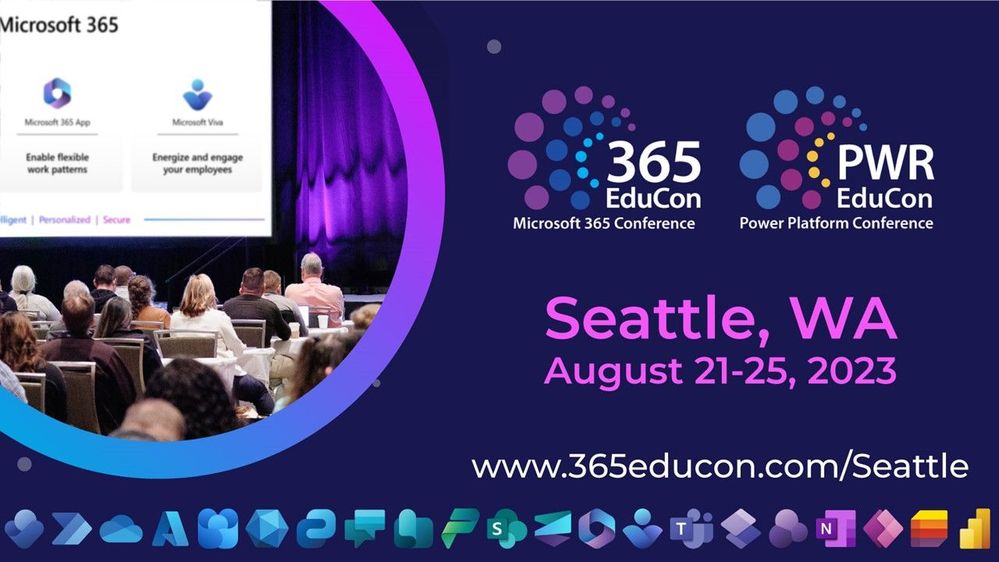
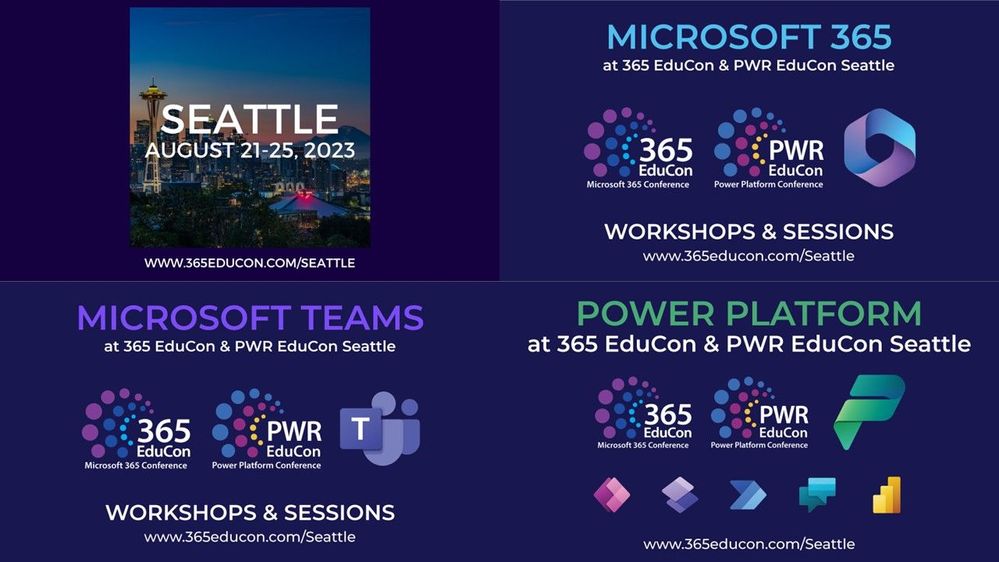
365 EduCon and PWR EduCon – Seattle | Event guide
- What: 365 EduCon and PWR EduCon – Seattle (2023) (in-person only) — A Microsoft 365 conference and Power Platform conference in one
- Register Now | Full sessions’ agenda (dates/time)
- When & where: August 21-25, 2023| Seattle Convention Center, Seattle, WA
- Content: 2 Microsoft keynotes and 1 AMA | 130+ overall sessions – 50+ Microsoft-led sessions (see all below) | 25 full and half day workshops
- Presenters: 80+ Event Presenters | 40+ Microsoft Speakers
- Twitter & hashtag: @365EduCon #365EduCon
- Cost: $1,650 for a 3-day pass, $2,795 for a 5-day Pass, including 2 days of workshops
- Register Now | Use the Microsoft Community discount code MSCOMM10 for 10% off new conference registrations.
365 EduCon and PWR EduCon are co-located for Seattle, a two-for-one conference that brings together the leading experts in Microsoft 365, SharePoint, Power Platform, Microsoft Teams, Microsoft Viva, Microsoft Graph, and Azure. Whether you’re a newcomer to these technologies or an experienced power user, administrator, or developer — offering a diverse range of sessions and workshops tailored to your level of expertise and specific interests.
“The thing I enjoyed most about the event was being around like-minded individuals discussing things that I deal with daily.” – Previous 365 EduCon attendee
The combined whole of the event brings together a stellar lineup of industry-leading experts, including Microsoft MVPs, Microsoft Regional Directors, Microsoft MCTs and Microsoft Engineers, who will share their invaluable insights and best practices. Prepare to be inspired as these gurus delve into the latest trends, strategies, and innovations that shape the Microsoft 365 and Power Platform landscape and walk away with actionable knowledge that you can apply directly in your organization.
Microsoft keynotes, sessions, and special offerings
Microsoft Keynotes and AMA
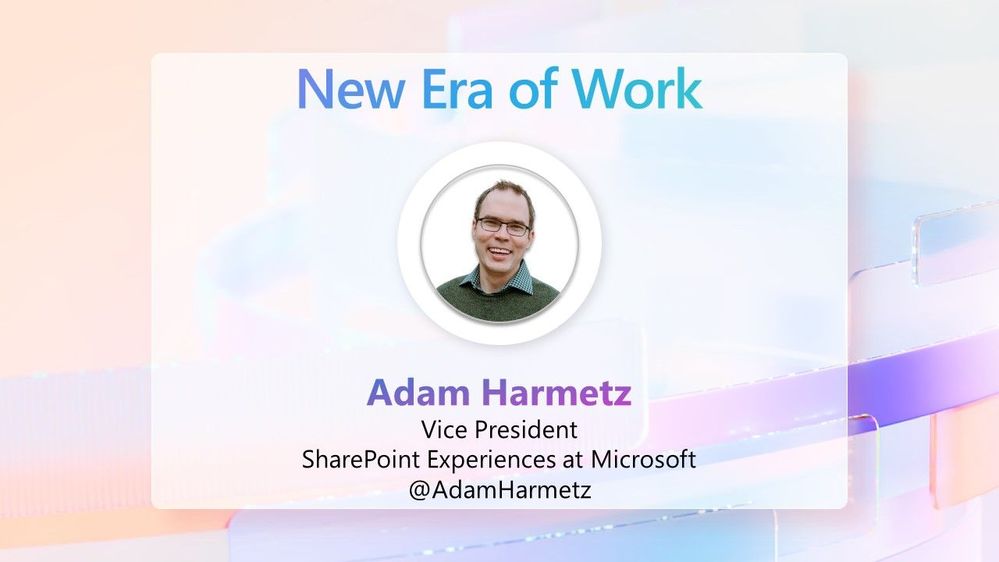
“New Era of Work” with Adam Harmetz, Vice President of SharePoint experiences – Microsoft | Wednesday, August 23rd | 8:30am – 9:40am PT
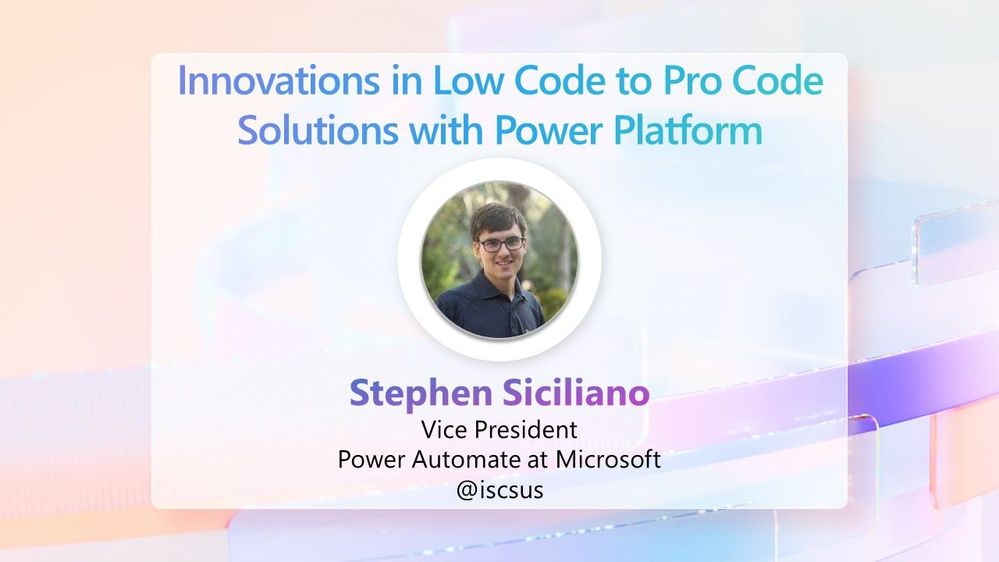
“Innovations in Low Code to Pro Code Solutions with Power Platform” with Stephen Siciliano | Thursday, August 24th | 10:20am – 11:30am PT
Microsoft AMA + SharePint | Wednesday, August 23rd, 2023, from 4:50pm – 6:50pm PT | Join Microsoft’s experts for an interactive Q&A about Microsoft 365, Power Platform, SharePoint, OneDrive, Viva, Teams, Microsoft Graph and more! Bring your best questions! Refreshments and pizza will be provided.
- Your Q&A panelists: Heather Cook, Karuana Gatimu, Adam Harmetz, Nirav Shah, Jason Himmelstein, Chris McNulty, Liz Sundet, Bob German, Michelle Gilbert, Max Fritz, Harysh Menon, Miceile Barrett, Laura Morgan, plus Mark Kashman (MC).

All Microsoft-led sessions
Take the opportunity to select the sessions best suited for your role and interests. All breakouts are packed with news, demos, customer stories, best practices, and insights into product and solution strategy.
You can review all sessions and the unique set of Microsoft-led sessions – all of which are listed below in this guide. We will keep everything up to date as there are still a few more to publish:
Copilot, SharePoint, OneDrive, Loop, and Lists [sessions]
- “Microsoft 365 Copilot” with Karuana Gatimu
- “SharePoint in the AI Era: Introducing Copilot in SharePoint” with Dave Cohen (ODSP)
- “What’s new in OneDrive” with Miceile Barrett and Irfan Shahdad
- “Meet Microsoft Loop” with Maya Rodrig
- “Keep sane and organized with Microsoft Lists” with Miceile Barrett
Microsoft Syntex and Viva [sessions]
- Unique offering | Full-day Workplace Executive Summit (invite-only) | Tuesday, August 22nd
- “Introducing Microsoft Syntex – Content AI for the Microsoft Cloud” with Chris McNulty
- “Metadata matters: Make file properties work for you” with Tom Resing
- “Create an engaged and productive workforce with Microsoft Viva” with (coming soon)
- “Adopting Microsoft Viva Connections, a tale of Best Practices” with Liz Sundet
- “Understanding the Feed in Viva Connections” with Graham Kent and Liz Sundet
- “What is Viva Amplify?” with Liz Sundet
Register today! [Note: Use MSCOMM10 for 10% off]
Microsoft Teams [sessions]
- “Getting Started and What’s New in Microsoft Teams” with Karuana Gatimu
- “Teaching with Microsoft Teams for Education” with Max Fritz
- “What’s New in Teams for Education” with Max Fritz
- “Build Apps for Microsoft Teams and Beyond” with Bob German
- “From Web Application to Teams Application: Bring your app into Microsoft Teams” with Bob German
- “Microsoft Teams in a Regulated Environment” with Michelle Gilbert and Max Fritz
- “Teams App Governance: Managing enterprise and 3rd party applications in Microsoft Teams” with Bob German
- “Getting started in Microsoft: Training, tools, and networking” with Karuana Gatimu and Jessie Hwang
Power Platform [sessions] – aka, the co-located PWR EduCon
- Unique offering | “Microsoft Fabric Friday” | Learn everything you need to know about the new data analytics platform | Friday, August 25th, 2023.
- “Microsoft OneLake in Fabric, the OneDrive for data” with Jason Himmelstein
- “Lakehouses, Warehouses, and Marts oh my! A data grown up story in the Fabric world” with Jason Himmelstein
- “Data Factory in an Hour with Microsoft Fabric” with Jason Himmelstein
- “Level up with your Power BI report creation skills” with Jason Himmelstein
- “Highlights on What’s New for Microsoft Power Platform and Community” with Heather Cook
- “Building modern and responsive apps in Power Apps using Copilot” with Clay Wesener, Emma Cooper, Norah Liu, and Tasha Scott
- “Dataverse executive session” with Nirav Shah
- “Advanced Approval Workflows with Business Approval kit” with Taiki Yoshida and Harysh Menon
- “Azure, VS/VS Code & Power: All Together Now” with Kartik Kanakasabesan and Per Mikkelsen
- “What’s New in Power Platform Governance” with Ken Auguillard and Sean Fiene
- “Build low code multichannel and intelligent communication capabilities using Power Automate and Azure” with Milan Kaur
- “Generative communications with Power Automate, Azure Open AI, and Azure Communication Services” with Regina Liang
- “Application Insights, Log Analytics, Kusto and Power BI, Oh My!” with Jason Himmelstein
- “Power BI Premium – When Do I Need It?” with Jason Himmelstein
- “There’s No Time Like the Present – real time and low latency data in Power BI” with Jason Himmelstein and John White
- “Deep Dive on Power BI, Teams, and SharePoint” with Jason Himmelstein and John White
- “Automate Microsoft 365 using Teams and Power Automate” with Harysh Menon
- “Automate Approvals processes across Microsoft 365” with Harysh Menon
- “More Power for Code-first developers and ISVs” with Per Mikkelsen
- “Your Very Own Magical Microsoft Map – Getting Started: Training, Tools and Networking” with Heather Cook
- “Build data centric websites using Power Pages” with Priya Vaidyanathan and Sandeep Dhanrajani
- “How to build scalable apps with Power Apps and Dataverse” with James Oleinik, Clay Wesener, and Simon Matthews
- Workshop | “Expose Yourself to Power BI” with Jason Himmelstein and John White
- Workshop | “Build an end -to-end customer engagement with Azure Communication Services and Power Platform” with Regina Liang and Milan Kaur
- Workshop | “Putting Governance in its Place” with Sean Fiene and Ken Auguillard
SMB [sessions]
- “Grow Your Business with Microsoft Teams” with Mariela Passalacqua
- “Empowering SMBs to do more through the Community” with Tiffany Lee
- “Collaborative Incident Management with the Teams Emergency Operation Center” with Andrew Klutz and Tiffany Lee
Developer and admin [sessions]
- “Getting started in Microsoft: Training, Tools and Networking” with Karuana Gatimu and Jessie Hwang
- “Modern Work Architecture – From the Core to Professional Self” with Michelle Gilbert
- “Using Microsoft 365 data at scale in Azure Synapse” with Jeremy Thake
- “Create Beautiful Web Part in Minutes Using PnP Reusable Controls” with Alex Terentiev
- “Microsoft 365 PnP for SharePoint Framework Developer” with Alex Terentiev
- “Expanding SharePoint Framework Web Parts in Teams, Office, and Outlook” with Alex Terentiev
- Workshop | “Ultimate guide to administering Microsoft 365 and Teams” with Michelle Gilbert and Max Fritz
- Workshop | “Build on the Microsoft Cloud: Integrating Microsoft 365, Azure, and GitHub to Build an Audio/Video Call” with Milanpreet Kaur and Regina Liang
Register today! [Note: Use MSCOMM10 for 10% off]
Learn more.
Visit 365EduCon.com/Seattle and follow the action on @Twitter: @365EduCon, @SharePoint, @OneDrive, @MSPowerPlat, @MicrosoftViva, and @MicrosoftTeams.
I hope you will join us in Seattle for what will be a fantastic week! I am looking forward to the action alongside the community, MVPs, and Microsoft product members from Teams, Office, SharePoint, OneDrive, Loop, Syntex, Viva, Power Platform, Lists, Project, Exchange, and more.
Register Now | Use the Microsoft Community discount code MSCUST10 for 10% off new conference registrations.
Cheers,
Mark Kashman, Senior product manager – Microsoft
Allure Reporting for Playwright – A comprehensive all-in-one test report ⚡️
#7 – Understanding automatic config Injection of RabbitMq from Docker Compose
Supercharge CI/CD: Run Parallel Tests & Connect to Cypress Cloud with GitHub Integration! ⚡️☁️
June 2023 update of Power Automate for desktop
Power Automate for desktop comes with new additions in 2023 June’s release, including the introduction of work queue actions in preview and OneDrive for Business actions.







