In this session of SharePoint Dev Weekly, hosts – Vesa Juvonen (Microsoft), Waldek Mastykarz (Rencore), and typically a special guest from the SharePoint PnP Community, discuss the latest news and topics around SharePoint development.
In this episode Vesa and Waldek are joined by Yannick Plenevaux – Microsoft 365 Solutions Architect, new MVP and owner of PVX Solutions, Belgium.
This episode was recorded on Monday, January 20, 2020.
![Azure ATP investigation of brute force and account enumeration attacks made over the NTLM protocol]()
Security research shows most successful enumeration and brute force attacks use either NTLM or Kerberos authentication protocols for entry. In fact, they’re the most popular discovery-phase attacks Azure ATP observed in the past 12 months.
Why does account enumeration matter?
In an account enumeration attack, the malicious actor attempts to use different usernames to access a server, with the goal of discovering which users exist within the organization. Once an attacker identifies these users, a brute force attacks begins to get their credentials and move laterally within the organization toward higher-profile assets.
What is NTLM and how does it work?
The NTLM protocol authenticates users and computers, using a challenge/response mechanism designed to prove to a server or domain controller that the user knows the password associated with the account they’re trying to access. Whenever a new access token is needed for domain accounts, a resource server must contact the domain controller to verify the identity of a computer or user.
Standard NTLM authentication flow includes 2 major steps:
- The user tries to access a resource server.
- The resource server validates the user with a domain controller.

How does Azure ATP provide visibility into NTLM authentications?
Network traffic and Windows Events 4776 and 8004 capture NTLM data. In turn, Azure ATP parses the NTLM traffic and events from your domain controllers.
NTLM 8004 events provide full information on your NTLM authentications, including:
- Source account
- Source device
- Accessed resource server
- Domain controller that is doing the account validation
Why do some devices show up as “unknown” in Azure ATP alerts?
The source device in Azure ATP account enumeration and brute force detection alerts can be marked as coming from “unknown” devices, such as Workstation, MSTSC, or Unknown. This happens because the source device name field is occasionally overwritten when the attacker is already inside your organization, or when they try to enumerate accounts from the internet. This is common when the accessed server is opened to the internet and used by adversaries to enumerate users from outside the organization.
With enhanced support for Windows event 8004, Azure ATP now determines which servers were attacked and how the attacks happened.
How can Azure ATP detect the actual server accessed inside the network?
Azure ATP sensors parse Windows event 8004 for NTLM authentications. When NTLM auditing is enabled and Windows event 8004 is logged, Azure ATP sensors automatically read the event and enrich your NTLM authentications with the accessed server data.

In addition, Azure ATP now provides Resource Access over NTLM activity, showing the source user, source device, and accessed resource server:

Example of enhanced NTLM activity details
Use the following links to learn more about enabling NTLM auditing when working with Azure ATP to detect, protect, and remediate NTLM and brute force attacks:
Get Started Today
Just starting your Azure ATP journey? Begin a trial of Microsoft Threat Protection to leverage integrated defenses and unparalleled intelligence across the threat landscape to defend the modern workplace.
In this session of SharePoint Dev Weekly, hosts – Vesa Juvonen (Microsoft), Waldek Mastykarz (Rencore), and typically a special guest from the SharePoint PnP Community, discuss the latest news and topics around SharePoint development.
In this episode Vesa and Waldek are joined by Hugo Bernier – Director of Consulting Services at Point Alliance in Toronto. Hugo is an old friend and contributor to the PnP community and now a MVP who has delivered many code samples and reusable controls to-date (SharePoint Framework Samples repository) with more to come in 2020.
This episode was recorded on Monday, January 13, 2020.
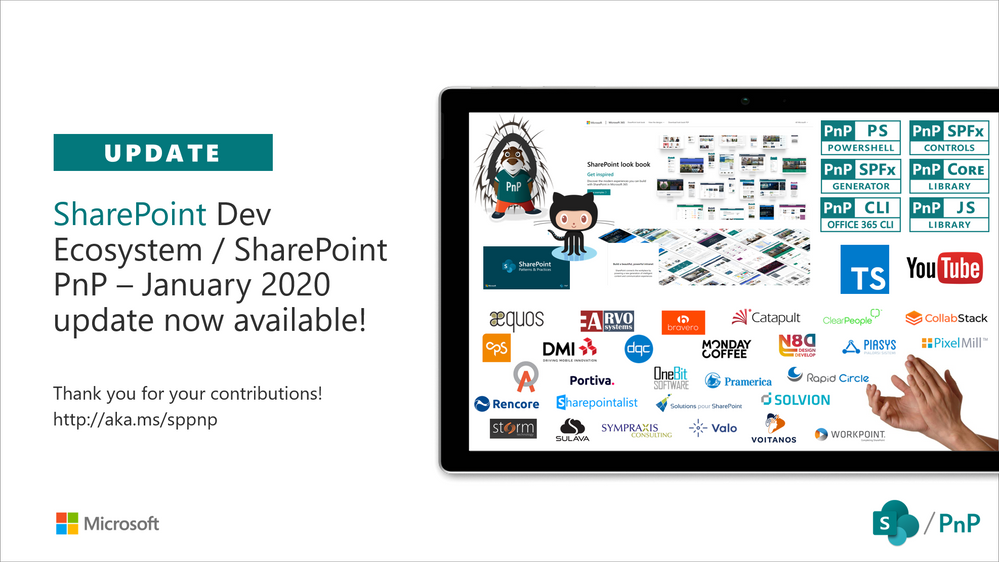
Latest monthly summary of SharePoint Development guidance for SharePoint Online and on-premises is now available from the SharePoint Dev Blog. Check the latest news, samples and other guidance from this summary.

In this session of SharePoint Dev Weekly, hosts – Vesa Juvonen (Microsoft), Waldek Mastykarz (Rencore), discuss the latest news and topics around SharePoint development.
In addition to drawing attention to the latest advancements being delivered by the SharePoint Community and Microsoft, Vesa and Waldek’s discussion this week focused on: Predictions for 2020.
This episode was recorded on Tuesday, January 7, 2020.







